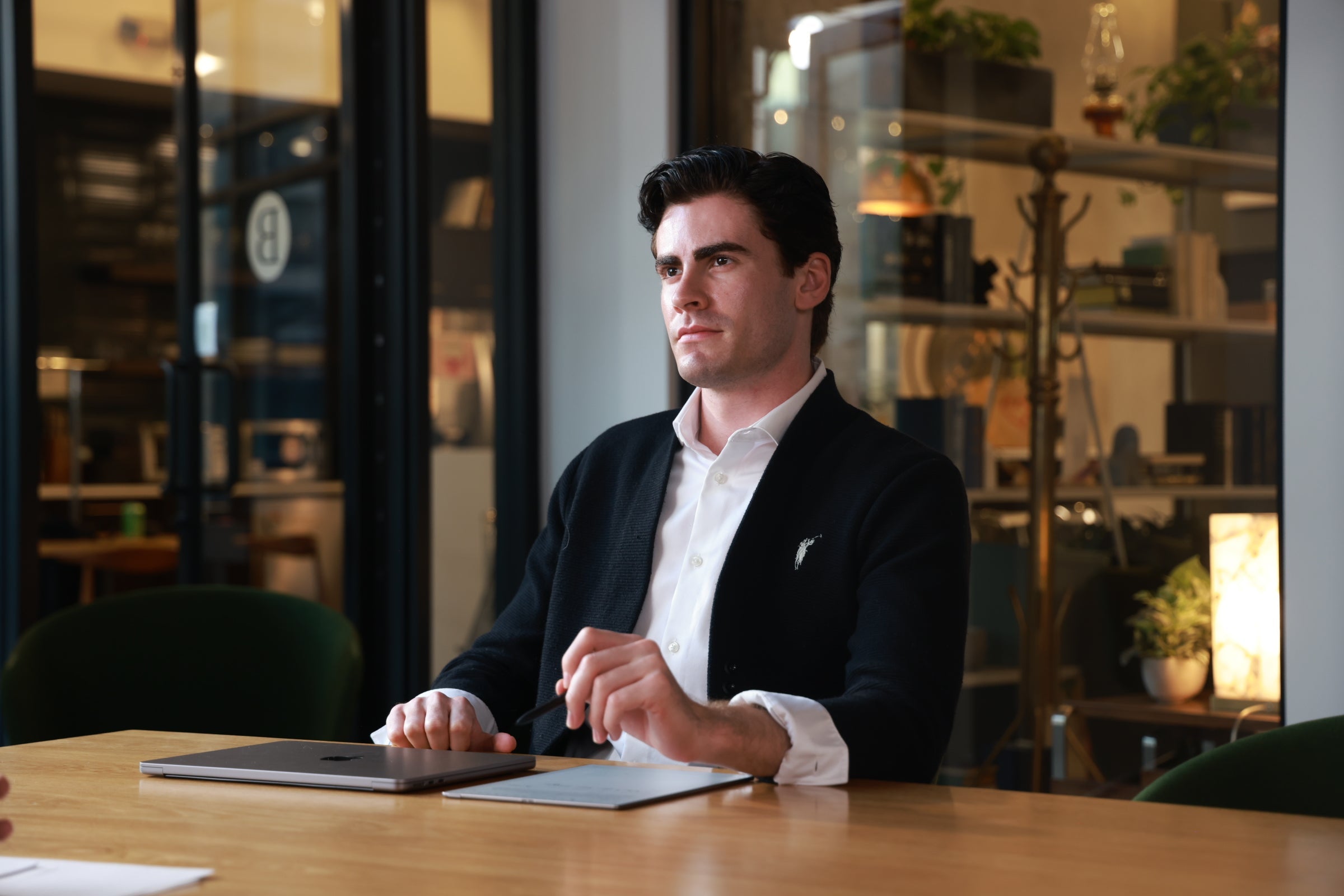
As more users begin exploring AINOTE Skill, we’re seeing how different professionals bring AI Agents into their real workflows. In this story, we look at how Dr. Whitman, a Professor of Education, uses AINOTE Skill with Codex to turn lecture notes, student questions, and reading highlights into a continuous teaching preparation workflow.
For Dr. Whitman, weekly teaching prep was never just about preparing slides or reviewing course material.
The harder part was continuity.
After every class, she had plenty of useful information saved in AINOTE: lecture notes, student questions, reading highlights, and post-class reflections. But when it was time to prepare for the next session, those materials still had to be opened, reviewed, compared, and reorganized manually.
What had already been explained?
Where were students still confused?
Which discussion points should be carried into the next class?
What should become a reminder or follow-up task?
Over time, this repeated preparation cycle became one of the most time-consuming parts of her teaching week.
That changed when Dr. Whitman started using AINOTE Skill.
By generating a dedicated Skill in AINOTE and installing it in Codex, she connected her authorized AINOTE content directly to her AI Agent workflow. Instead of manually searching through scattered notes, she could ask the Agent to retrieve recent class materials, summarize student questions, extract follow-up items, and create new tasks or notes back in AINOTE.
For Dr. Whitman, AINOTE Skill became more than a way to access notes. It became an AI teaching assistant that helped her maintain continuity between one class and the next.
From Notes to Teaching Context
Before each class, Dr. Whitman used to spend time reviewing previous lecture notes and student questions to understand where the class had left off. The information was already saved in AINOTE, but it was distributed across multiple notes and folders.
With AINOTE Skill, she can now ask her AI Agent to build that context for her.
Copyable Prompt:
“Browse the EDU 201 folder and read the lecture notes and student questions from the past two weeks. Summarize the key concepts I should review this week, common student misunderstandings, and what I should add or clarify in the next class.”
The Agent retrieves authorized content from AINOTE and turns it into a structured preparation summary. Dr. Whitman can quickly see the main concepts, recurring student questions, and topics that may need additional explanation.
Instead of starting from scattered materials, she starts from a clear teaching context.
From Classroom Signals to Next-Class Preparation
During each lecture, Dr. Whitman captures important classroom signals in AINOTE: questions that reveal misunderstanding, discussion points that deserve more time, and concepts that may need to be reinforced later.
Previously, these details could easily remain buried in class notes. With AINOTE Skill, they become part of the next preparation cycle.
Copyable Prompt:
“Based on today’s lecture notes, extract all follow-up items I should address before or during the next class. Show me the draft list first. After I confirm, create the corresponding AINOTE tasks and create a new note titled EDU 201 - Next Class Notes.”
After Dr. Whitman reviews and confirms the draft, the AI Agent creates the corresponding AINOTE tasks and saves a new summary note. This allows classroom feedback to flow back into her teaching system instead of staying as static records.
A Continuous Teaching Loop
The value of this workflow is not only speed. It is continuity.
With AINOTE Skill, Dr. Whitman’s teaching preparation becomes a repeatable loop:
Capture
Lecture notes, student questions, and reading highlights are recorded in AINOTE.
Connect
Relevant AINOTE content is authorized through AINOTE Skill and connected to Codex.
Synthesize
The AI Agent retrieves recent class materials and organizes them into teaching context.
Decide
Dr. Whitman reviews the summary, adjusts the teaching plan, and confirms next steps.
Flow Back
New tasks and next-class summary notes are created in AINOTE for future preparation.
As the semester continues, AINOTE becomes more than an archive of class notes. It becomes a growing teaching memory that helps each class build naturally on the one before it.
Data Safety and Current Boundaries
AINOTE Skill is designed to keep users in control of their own information and workflow.
- User-Controlled Authorization: Only content explicitly authorized through AINOTE enters the Skill’s accessible scope.
- Read-Only Protection for Existing Notes: AI Agents can read existing note body text and create new notes or folders, but they cannot overwrite existing note text or handwriting.
- Human Confirmation: Dr. Whitman reviews suggested follow-ups before tasks or new notes are created.
Ready to Build Your Own AINOTE Skill Workflow?
For Dr. Whitman, AINOTE Skill helped turn weekly teaching prep from a recurring reset into a continuous teaching flow.
Last week’s lecture no longer disappears into an archive. It becomes the foundation for the next class.
Update your AINOTE Desktop App, generate your Skill link, and connect AINOTE with AI Agents like Codex to start building your own AI-assisted workflow.
👉 Click here to download or update to the latest AINOTE Desktop App
👉 Click here to join Reddit users and explore new Skill workflow ideas