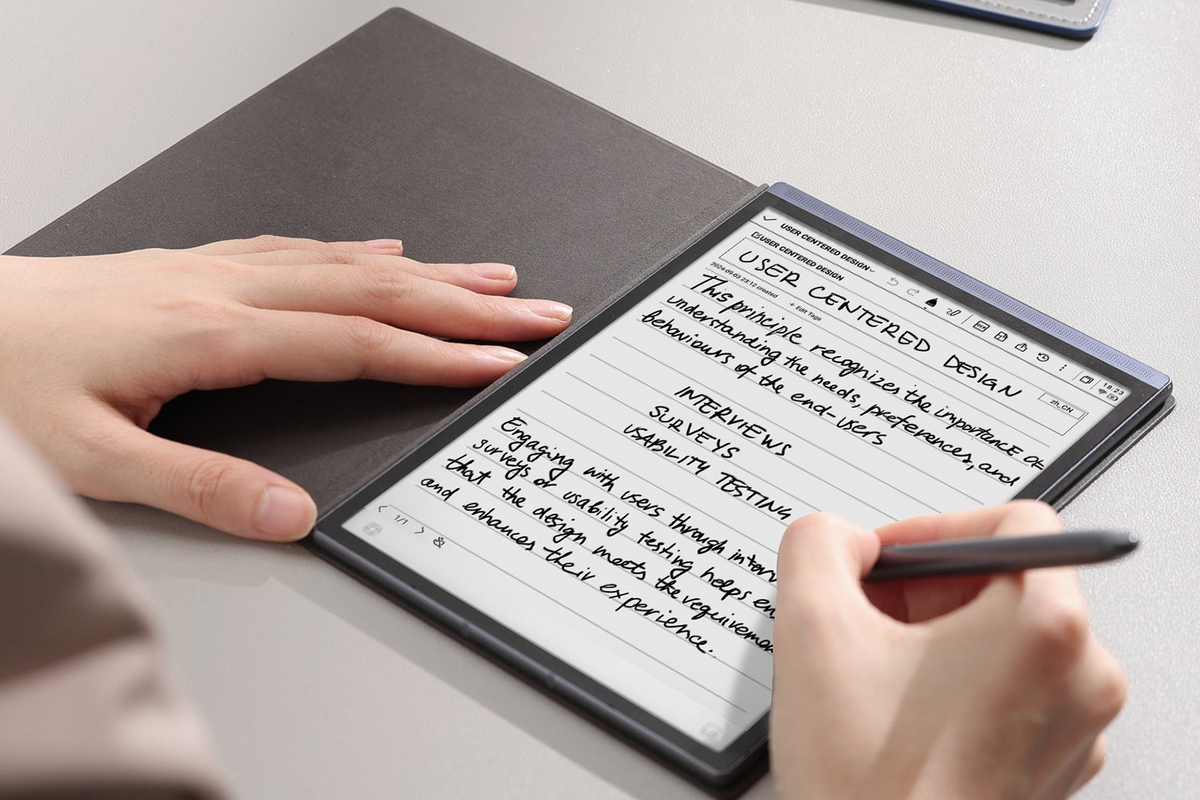
The wait is finally over for AINOTE Air 2 users. AINOTE has officially begun rolling out a significant system update that brings the brand-new NoteOS experience to the device.
This is not a routine patch or a minor feature tweak. According to the official announcement, this is a major system upgrade that fundamentally changes the user interface and how key features operate on the Air 2. The update is being pushed in small, staged batches to ensure system stability, so if you haven't received the notification on your device yet, don't worry—more users will be added over the coming days.
Here's a comprehensive breakdown of what the NoteOS update brings to your AINOTE Air 2.
What's New in the NoteOS Update
1. A Completely Redesigned System Interface
The most visible change is the overhauled user interface. The update touches virtually every corner of the system:
- Home, Notes, Reading, Calendar, App Center, Settings, and Control Center have all been redesigned from the ground up
- Navigation has been restructured - major entry points are now organized differently, so some features may be located in new places
- Visual elements including text, icons, cards, and information hierarchy have been optimized specifically for the Air 2's E Ink display
- Multi-language layouts have been improved, with better font rendering, text wrapping, and button sizing across all supported system languages
The goal is a more intuitive, visually cohesive experience that takes full advantage of the E Ink screen's capabilities.
2. Upgraded Fusion Notes & Handwriting
For users who rely on the Air 2 for note-taking, this update delivers substantial improvements to the core writing experience:
Unified Workspace
The new Fusion Notes workspace brings together handwriting, audio, transcription, translation, and AI content into one seamless environment. Whether you're recording a meeting, writing notes by hand, or reviewing transcribed text, everything lives in a single, unified space.
Enhanced Canvas Operations
- Reduced side-toolbar obstruction for a cleaner writing area
- Improved zooming, two-finger dragging, page turning, and scrolling
- Enhanced title editing and recording dialogs
Handwriting Editing
For the first time, users can now cut, copy, and paste handwriting across different pages and Fusion Notes. This brings handwriting editing much closer to the flexibility of text editing.
Smart Pen Optimizations
The update improves smart-pen selection, erase detection, and toolbar positioning, with better support for both left-handed and right-handed modes.
3. Recording, Transcription & Translation Upgrades
The Air 2's AI-powered recording and transcription capabilities—one of its standout features—receive significant attention in this update:
Improved Recording States
Better visual feedback for recording start, in-progress, completion, and playback states.
Flexible Transcript & Translation Views
Users can now choose to view original text, translated text, or a side-by-side comparison - making it easier than ever to follow multi-language meetings and conversations.
Seamless Audio Switching
Play recordings through the built-in speaker, Type-C headphones, or Bluetooth headphones with smoother continuity.
Enhanced Navigation
Translation language selection, translation modes, and long-text navigation have all been reorganized for easier access.
What This Means for AINOTE Air 2 Users
This update represents a significant step forward for the AINOTE Air 2. The NoteOS experience isn't just a cosmetic refresh—it's a fundamental rethinking of how the device handles note-taking, recording, and AI-powered productivity.
For professionals who rely on the Air 2 for meeting transcription and daily note-taking, the improved Fusion Notes workspace and unified workflow will save time and reduce friction. For students and researchers, the enhanced handwriting tools and flexible translation views open up new possibilities for managing complex information.
The hardware remains the same—an 8.2-inch E Ink display with a quad-core processor, 4GB RAM, and 32GB storage—but the software now delivers a much more polished and capable experience.
How to Get the Update
The NoteOS update is being rolled out in staged batches to ensure system stability:
- Check your device periodically for the update notification
- Connect to Wi-Fi before downloading—the update requires a stable internet connection
- Read the release notes carefully before installing—this is a major update that changes how some features work
- Back up your important notes before proceeding
If you haven't received the update yet, rest assured that AINOTE is expanding the push to more users over the next few days.
Share Your Feedback
AINOTE is actively seeking user feedback on this major update. You can share your thoughts and report any issues through the r/AINOTE community on Reddit
User testing and real-world feedback are crucial to making this update rock-solid, so your input matters.
Final Thoughts
The NoteOS update marks a new chapter for the AINOTE Air 2. With a redesigned interface, unified Fusion Notes workspace, enhanced handwriting tools, and improved transcription capabilities, the device is now more capable than ever as an AI-powered productivity tool.
If you're an AINOTE Air 2 user, this is an update worth installing. Just make sure to read the release notes, back up your data, and give yourself some time to get familiar with the new interface and navigation.
Have you received the NoteOS update on your AINOTE Air 2? Join the official Reddit community to share your experience with other users.