


What is the AINOTE Skill?

An Agent Skill is a packaged, reusable capability that gives an AI agent the knowledge and instructions it needs to perform specialized tasks.
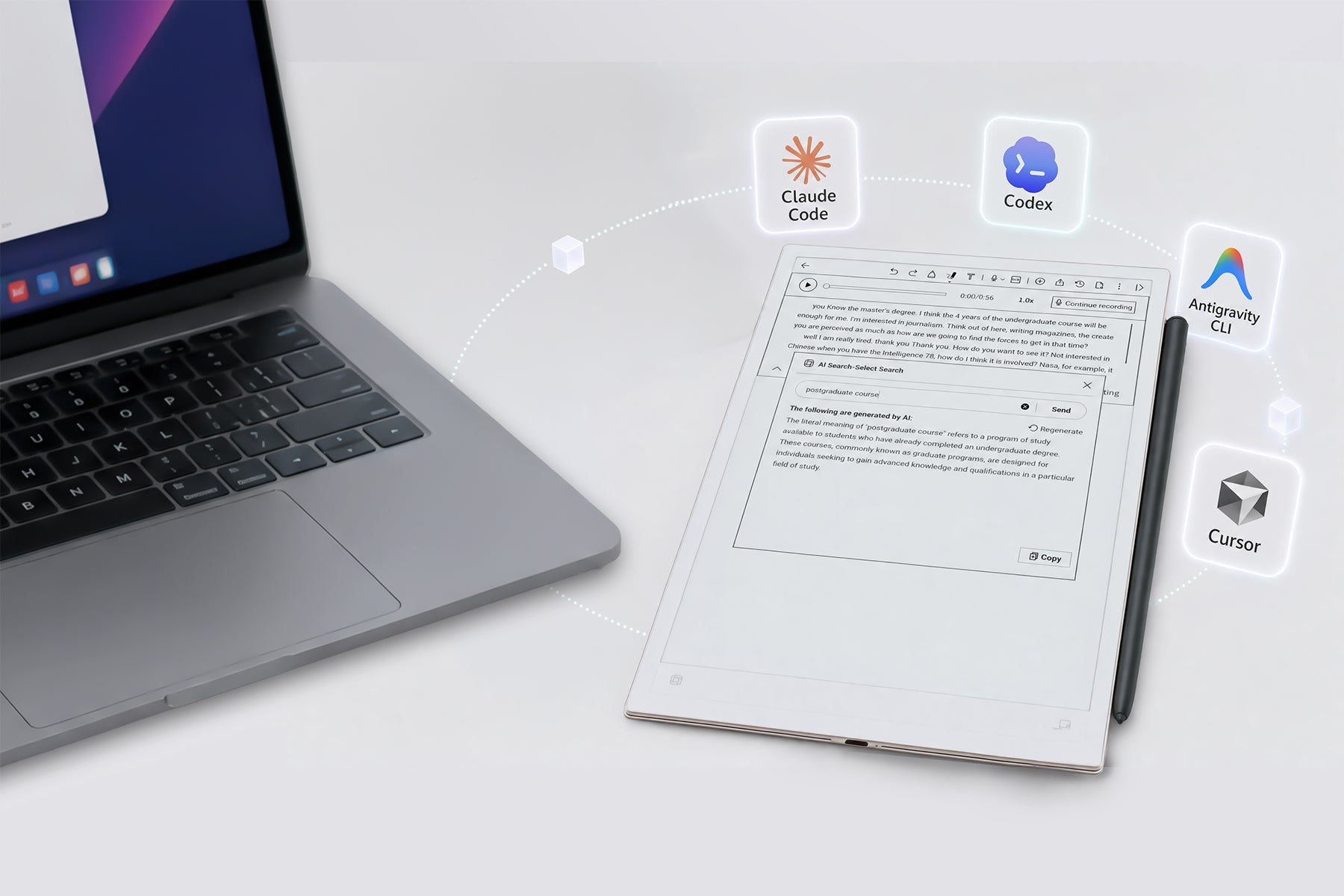
By installing the AINOTE Skill, you enable Codex and other AI agents to automatically pull notes and transcripts recorded on your AINOTE device — integrating them directly into your existing workflow for smarter, faster task execution.
And yes — to make the connection work, just grab AINOTE for Desktop. It syncs your notes and powers the skill. Get it free →
AINOTE Skill + Codex: Three Steps to a Complete Workflow

Capture
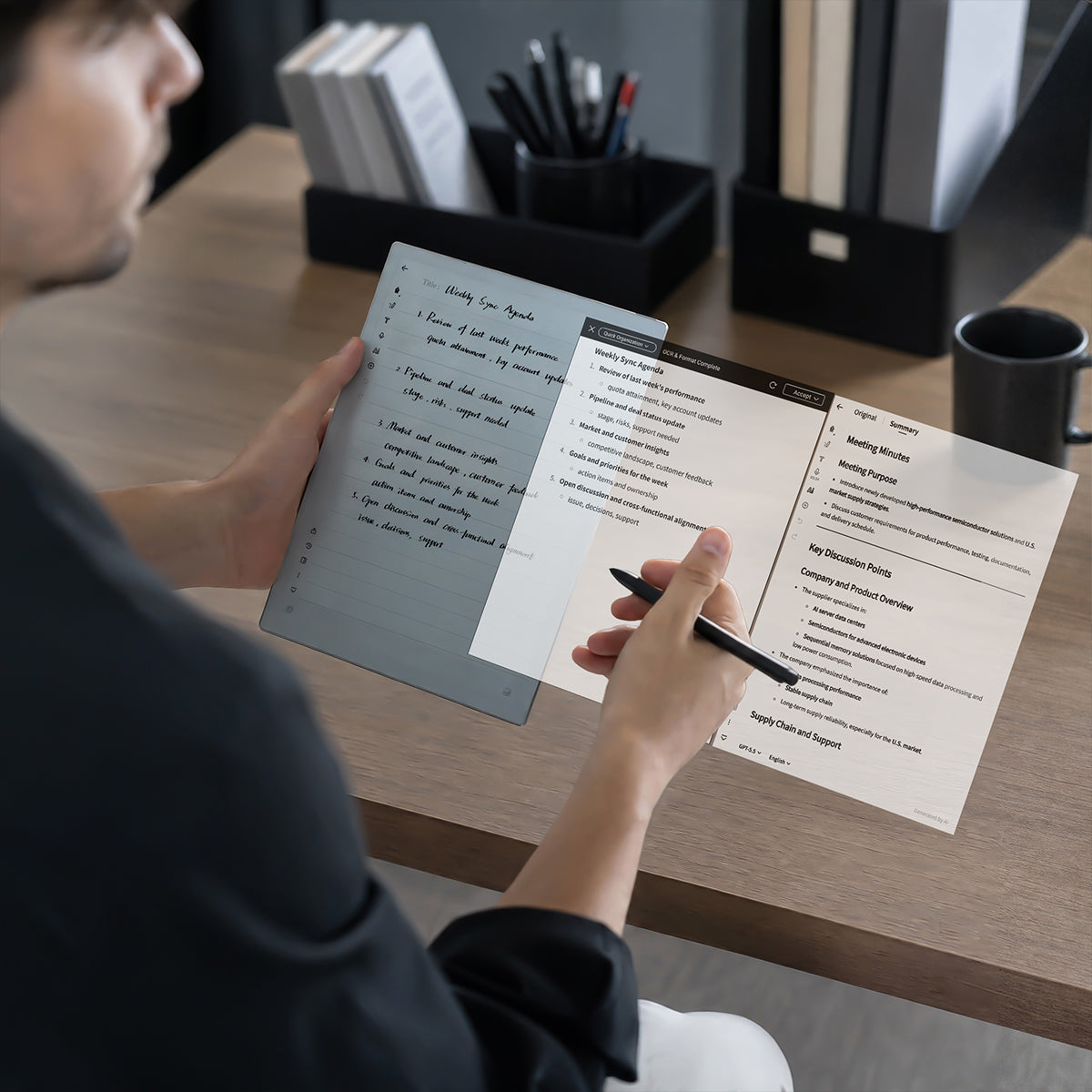
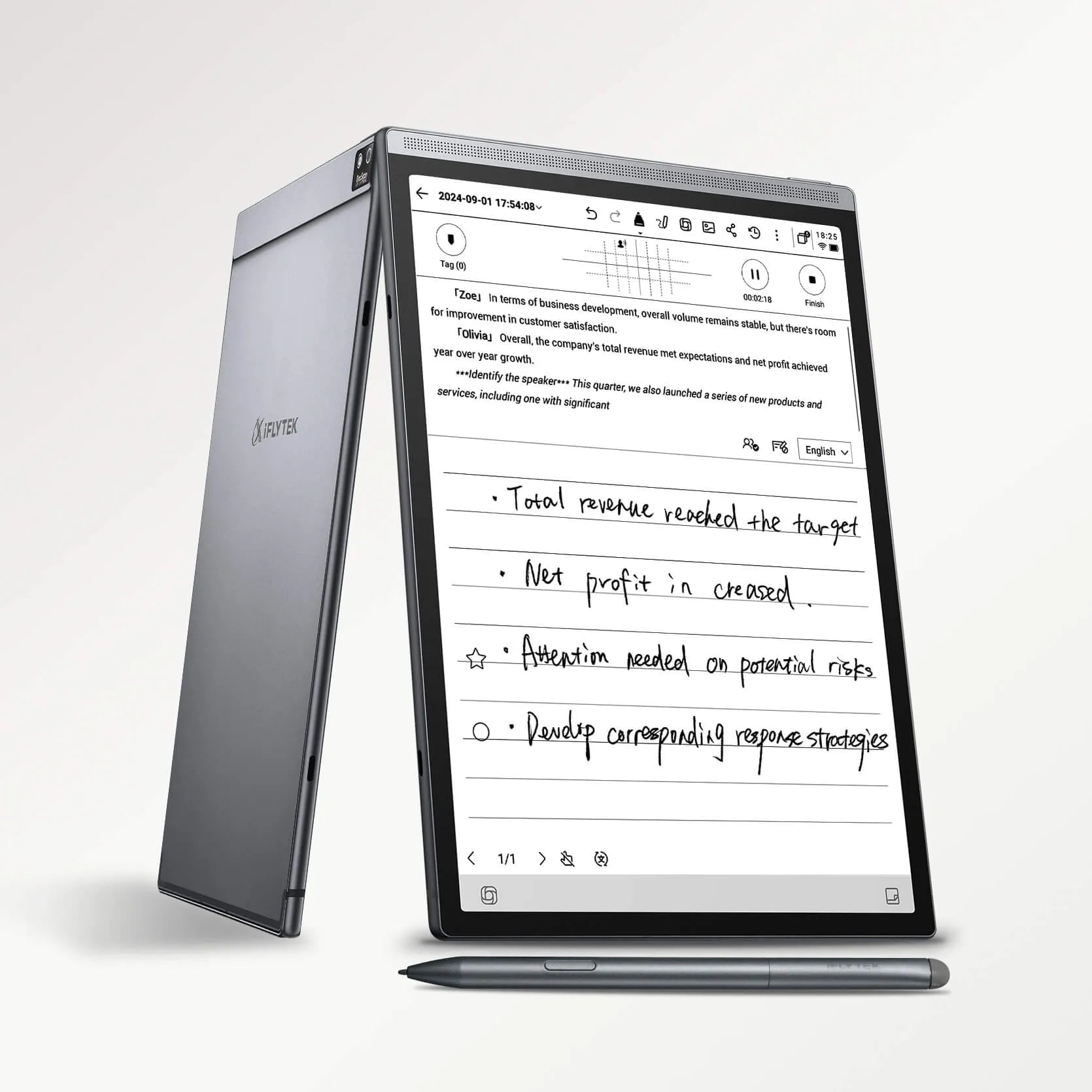
Write, speak, highlight, and preserve the complete meeting context in one focused device. A 1‑hour meeting, all your handwriting and voice — turned into a complete summary and task list in 3 minutes. Capture everything. Get more done.

Connect
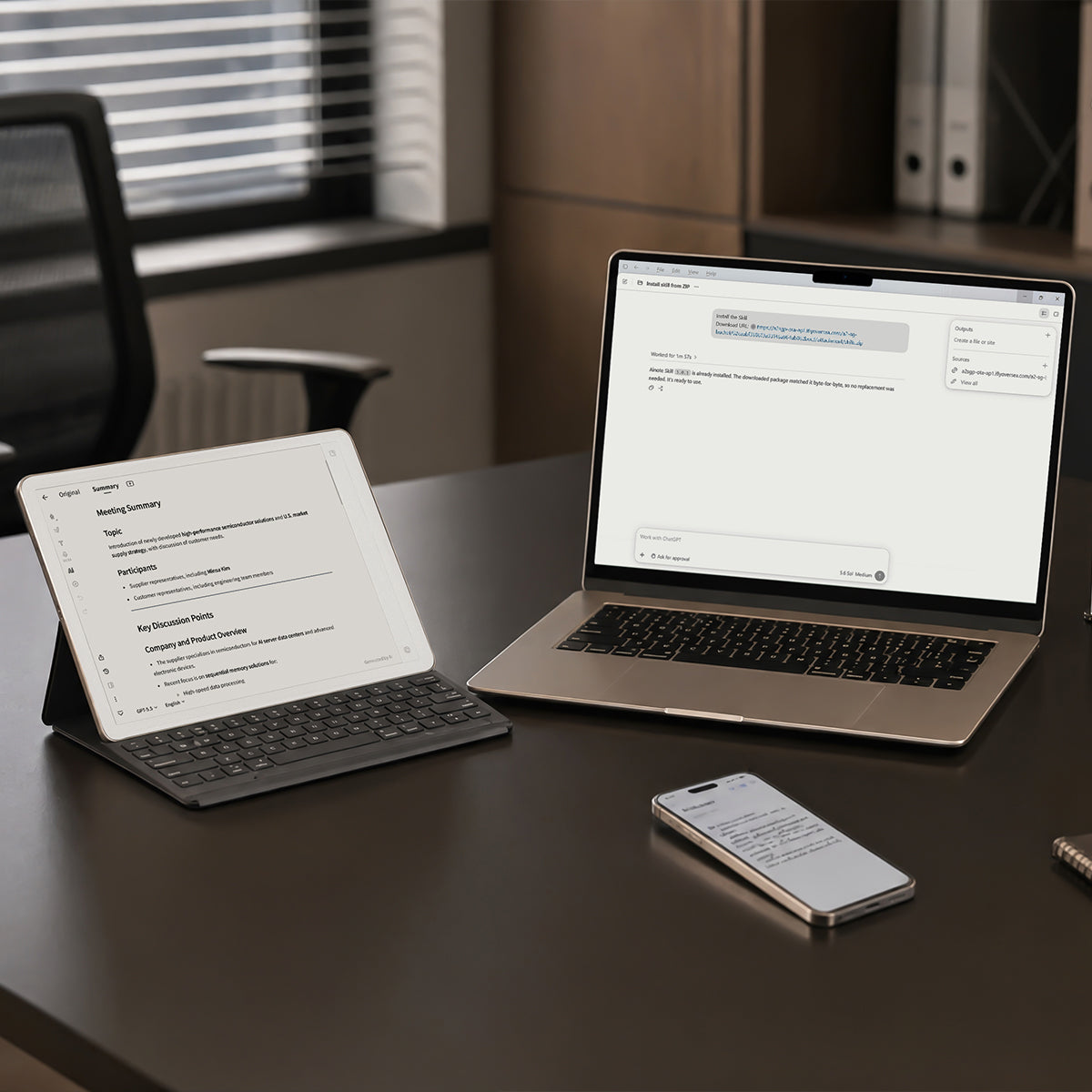
AINOTE Desktop syncs your notes between E Ink and computer — automatically. Then AINOTE Skill connects to Codex, completing your end‑to‑end workflow. You decide what Codex can access and which actions it can take.

Execute
Ask Codex to draft follow-ups, update project boards, or trigger next steps — all based on the notes you've already taken. Your AINOTE notes are no longer trapped on a single device. They become the fuel for your AI‑driven workflow.
How to Use AINOTE Skill?
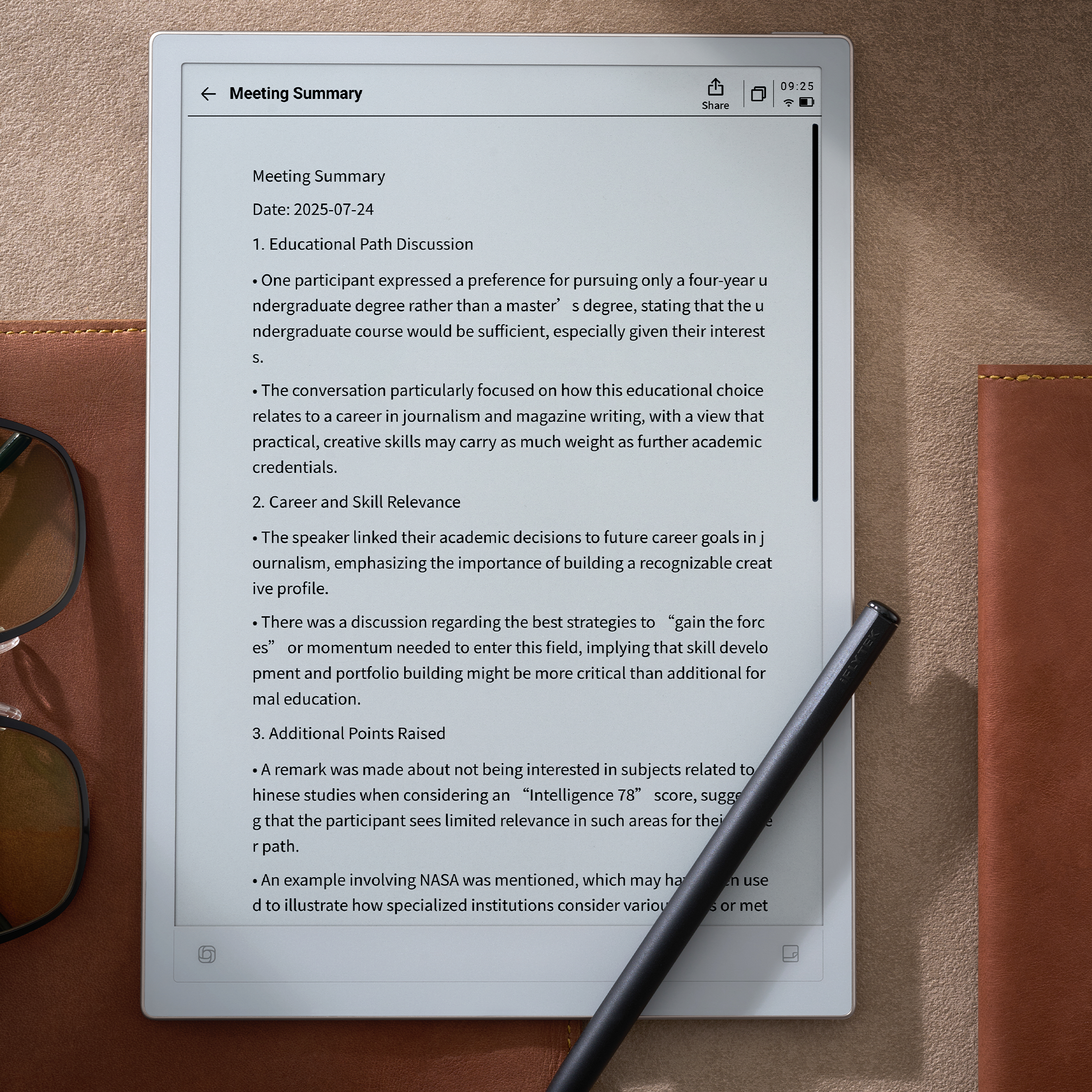
AINOTE extends the value of every note you take. Your handwritten notes and voice memos become text and to-do lists in AINOTE, and then flow into Codex to become executed action items.
How to Enable AINOTE Skill
How to Organize Notes with AlNOTE Skill
How to Generate a Weekly Work Report with AINOTE Skill
Choose AINOTE 2 or AINOTE Air 2
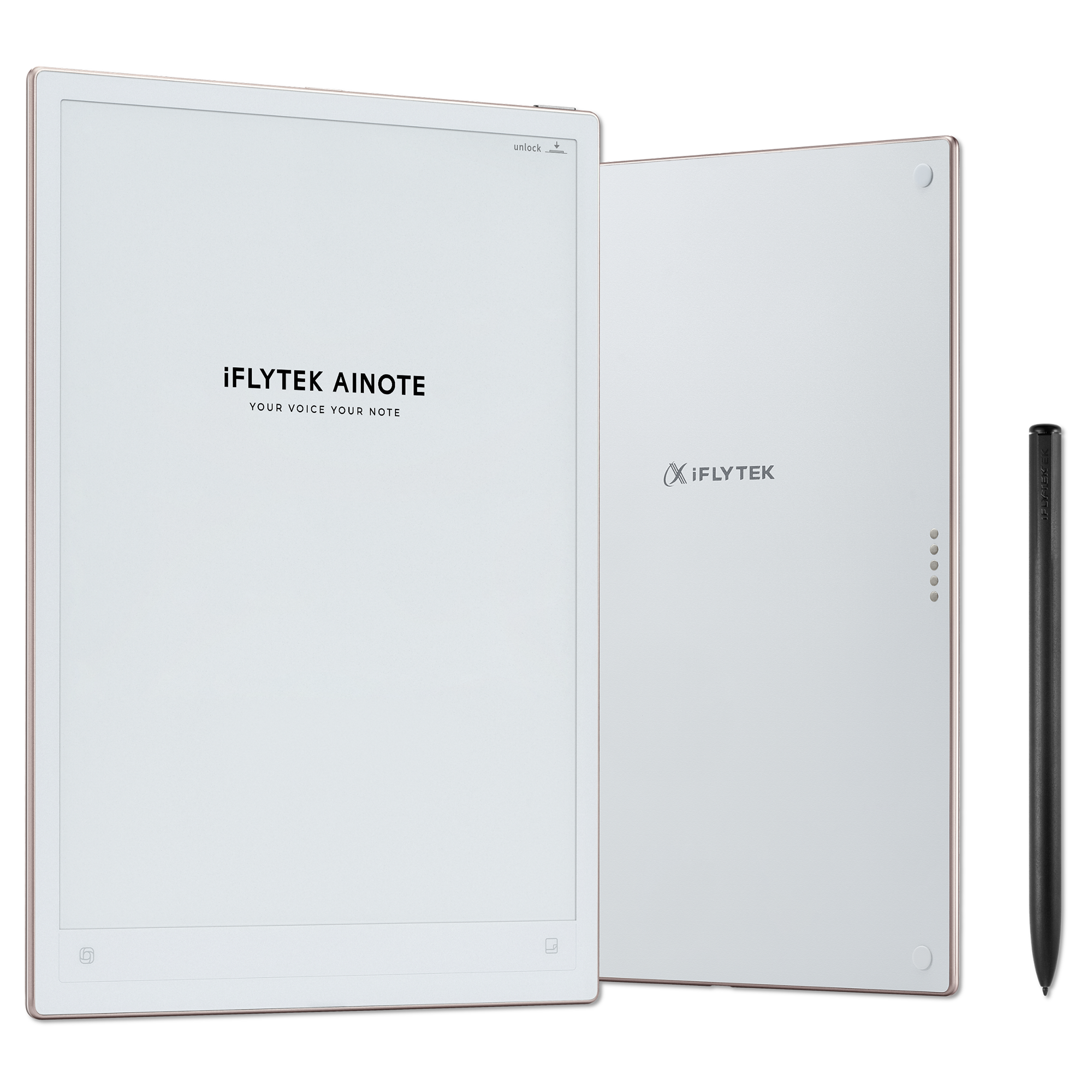
AINOTE Skill works on both AINOTE 2 and AINOTE Air 2 via cloud sync. One device, perfectly fits your workflow.


Frequently Asked Questions About AINOTE Skill
Can the AI Agent directly edit or overwrite my existing note body text?
No. To protect your data and prevent AI Agents from accidentally deleting or altering existing information, the Agent currently operates in read-only mode for existing notes. It can read note bodies and create new notes or folders, but it cannot rewrite, edit, or overwrite existing content, handwriting, images, attachments, or layouts.
Is my data safe? Does AINOTE send my whole database to AI Agent companies?
Yes, your data is safe. AINOTE never "bulk uploads" your database to any third party. The Skill acts strictly as an on-demand API endpoint. Access is strictly limited to what you explicitly authorize in the Desktop App and what is synced to the cloud.
Why can't the AI Agent see my Google Calendar or Outlook events?
Version 3.1.0.6 currently supports calendar events created directly within AINOTE devices or the AINOTE App. Support for third-party synced calendars (Google Calendar, Outlook, etc.) will arrive in the next release.
Do I need the newest AINOTE hardware model to use this?
No! This is a software feature update for the Desktop App and is not restricted by hardware models—both AINOTE 2 and AINOTE Air 2 users can use it.
I asked the AI Agent to add a new event/task—why isn't it appearing immediately on my device?
When the AI Agent performs a write action, it triggers the AINOTE sync process. However, sync completion times depend on network conditions and status, so instant sync cannot be 100% guaranteed. Give it a brief moment or manual sync if needed.
Can I ask the AI Agent to star or unstar items for me?
Currently, Focus Star supports Read-Only access (querying starred items and reading source notes). Creating or modifying star tags via AI Agent is not supported yet.
How do I update or download the AINOTE Desktop App?
- Auto-Update: When you open your existing AINOTE Desktop App, an update notification prompt will automatically pop up. Simply click to confirm and update.
- Manual Download: If you don't see the prompt or need a fresh install, you can download the latest Windows or Mac desktop client from our official software download page.
Can I use AINOTE Skill on the mobile AINOTE App?
No. Currently, AINOTE Skill is only supported on the PC desktop client (Windows & Mac AINOTE Desktop App) for authorization and setup.
News About AINOTE Skill
How Alex Uses AINOTE Skill to Turn Fragmented Notes into Actionable Project Momentum


