
Article from Medium
Here’s a question I started asking myself recently:
What happens to all the information I collect every day?
Not the important stuff in theory. The actual stuff.
The action item someone mentioned halfway through a Zoom call. The idea that came to me while reading an article. The notes from a client conversation. The quote I highlighted in a report three weeks ago. The page of scribbles from a brainstorming session.
Most of it ends up scattered across notebooks, documents, apps, screenshots, and sticky notes.
We struggle to do something with them later.
A folder accumulates PDFs.
A voice recording gets saved somewhere.
A meeting ends.
Then life moves on.
Three weeks later, finding that one important detail can feel like an archaeological expedition.
What makes the AINOTE approach interesting is that it focuses heavily on what happens after information is captured.
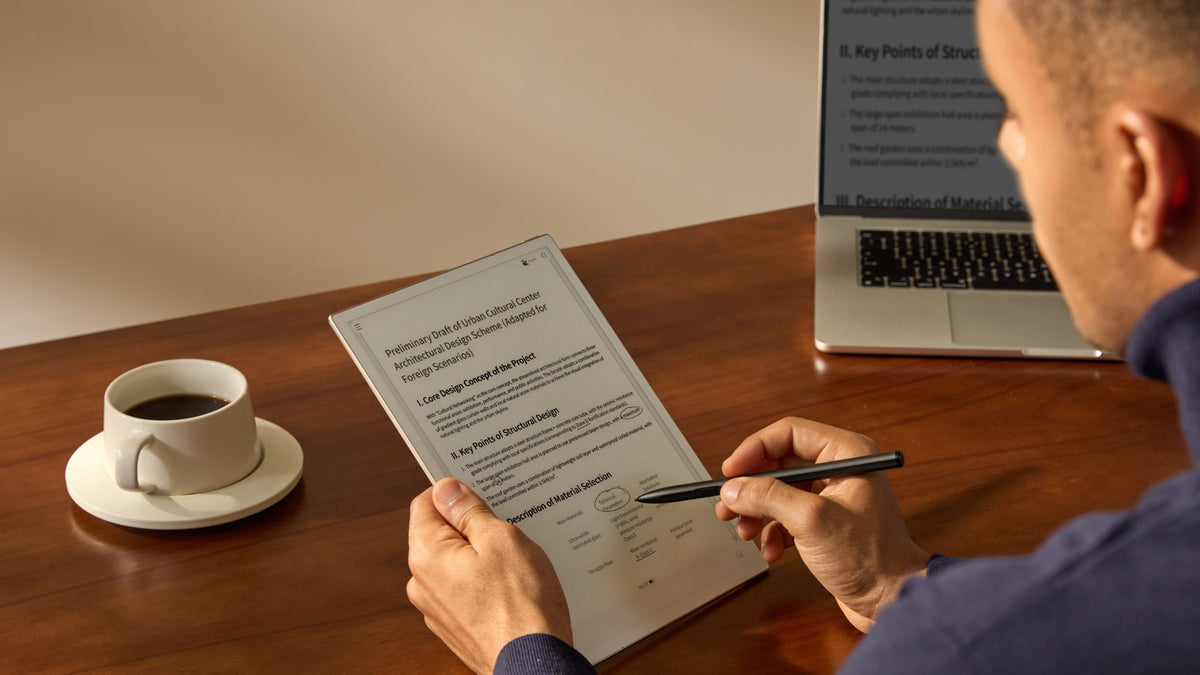
The devices use AI to transcribe conversations, identify speakers, generate summaries, convert handwriting into searchable text, and help users locate information long after it was originally recorded.
That’s a subtle shift.
The goal isn’t simply writing things down.
It’s building a system that remembers.
The Bigger Device: AINOTE 2
The AINOTE 2 feels designed for people who spend large portions of their day thinking through complex projects.

The 10.65-inch display provides plenty of room for note-taking and document review, while the remarkably thin 4.2mm profile has earned recognition as the world’s thinnest E-Ink tablet.
What stood out to me most wasn’t the hardware, though.
It was the idea of AI quietly handling administrative work that most of us never enjoy doing in the first place.
Meeting summaries.
Speaker identification.
Translation.
Searchable handwriting.
The kind of tasks that often consume time without creating much value.
The device runs Android 14 and supports Google Play, which means it can fit into existing workflows rather than requiring users to start from scratch.
The Smaller Device: AINOTE Air 2

The Air 2 approaches the same challenge from a different direction.
Instead of serving as a primary workspace, it feels more like a companion for daily life.
The 8.2-inch form factor makes it easy to carry everywhere, which is probably where many of our best ideas show up anyway.
The Air 2 adds practical features including a front light, speakers, and a document-scanning camera. Combined with AI-powered transcription and note organization tools, it becomes a portable place to collect and revisit information throughout the day.
For students, writers, researchers, and anyone who spends time away from a desk, that portability could be one of its strongest advantages.
A Thought About Productivity
The most interesting productivity tools are often the ones that disappear into the background.
They don’t demand attention.
They don’t create another inbox to check.
They simply reduce friction.
Less searching.
Less duplication.
Less wondering where something was saved.
That’s what I find intriguing about AI paper tablets. They aren’t trying to become the centre of your digital life. They’re trying to become a reliable place where ideas can be captured, organized, and found again.
In an age where information is abundant, that may be more valuable than ever.

